

Internet Technician or IT Support? What Your Business Really Needs
When your business internet, Wi-Fi or router stops working properly, you might start searching for an “internet technician”. That makes sense — you need someone who can check the connection, test the setup and get your office back online.
For Melbourne small businesses, many internet problems are actually part of practical IT support. Reconnected can help with internet setup, router configuration, Wi-Fi troubleshooting, cabling checks, connection testing and office network support.
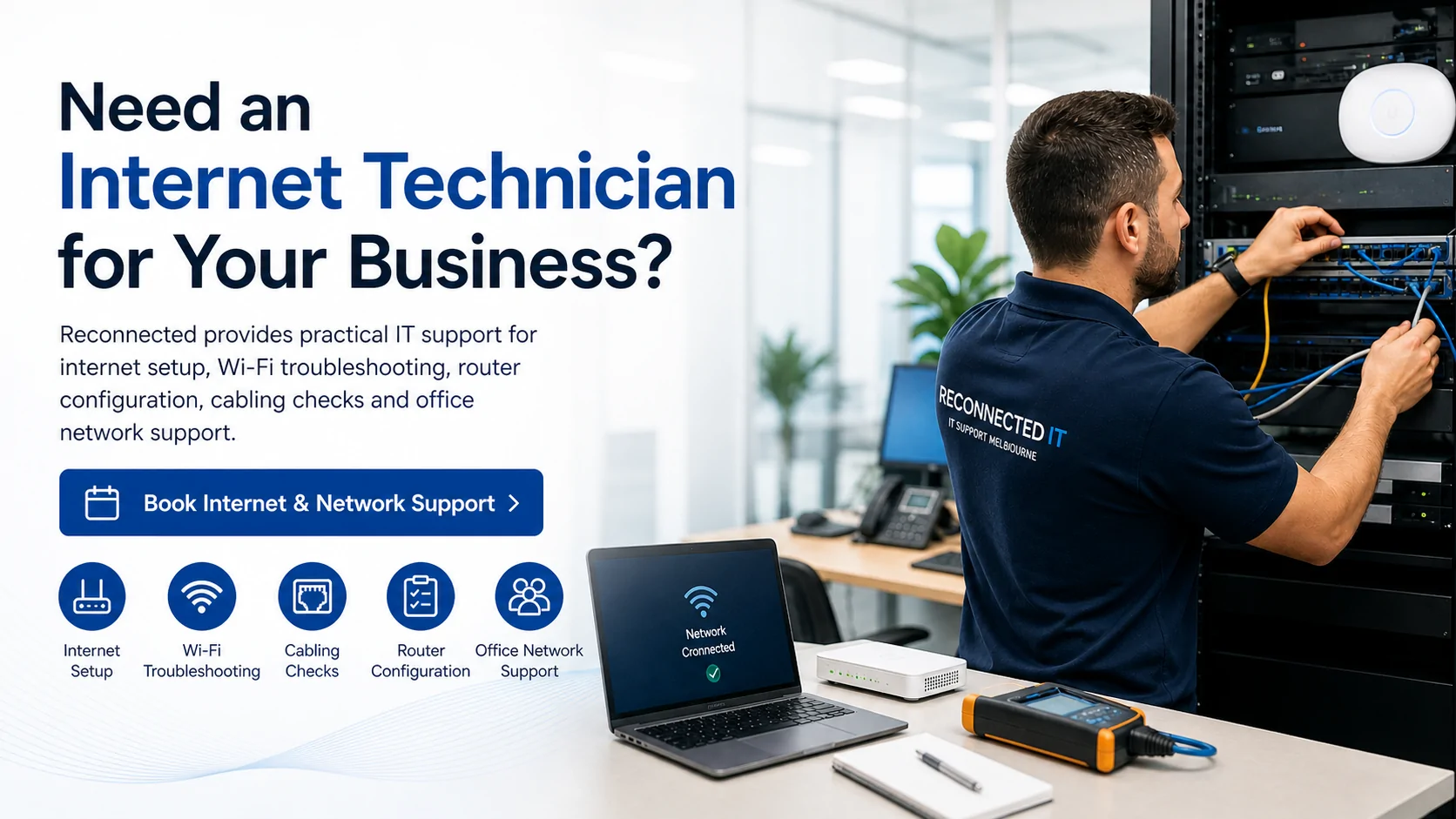
Need help with business internet, Wi-Fi or router problems?
Reconnected provides IT support for Melbourne businesses, including internet setup, router configuration, Wi-Fi troubleshooting, cabling checks and office network support.
Why People Search for an Internet Technician
Many business owners use the phrase “internet technician” when they need help with internet, Wi-Fi or router problems. They may not know whether the issue is caused by the internet provider, NBN connection, modem, router, Wi-Fi signal, cabling, devices or internal office network.
In many cases, the issue is not just the internet service itself. It may be the way the internet is set up inside the business. That is where practical IT support can help.
The Simple Difference: Outside Connection vs Inside Network
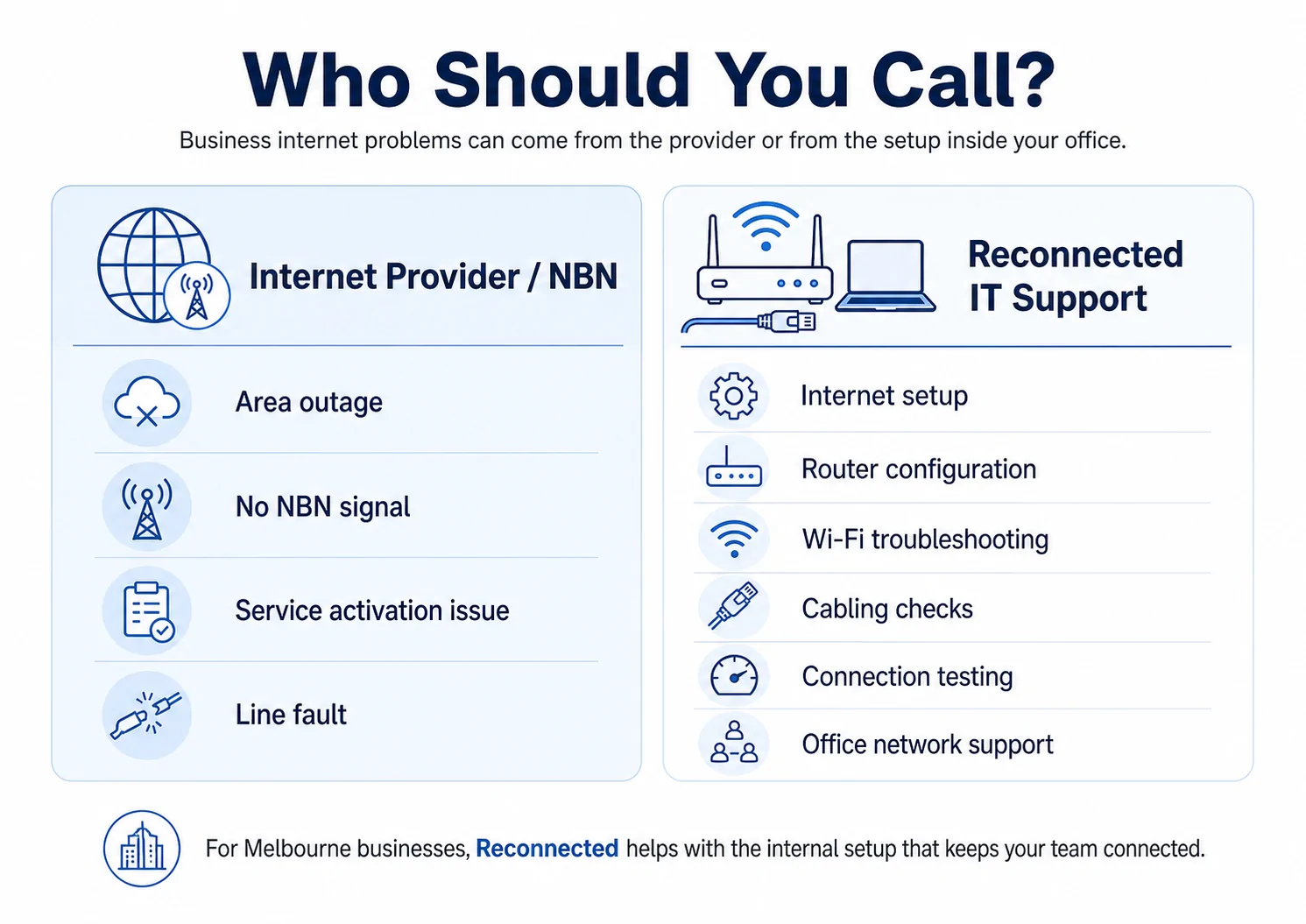
The easiest way to understand the problem is to separate it into two areas: the connection coming into your premises, and the network inside your business.
| Problem Area | Who Usually Helps |
|---|---|
| External NBN or internet service fault | Internet provider / NBN |
| Router, Wi-Fi, cabling, devices or office network issue | Reconnected IT Support |
Your internet provider usually handles external faults, outages and service issues. Reconnected helps with the internal setup that keeps your staff, devices, Wi-Fi, printers, cloud systems and business network connected.
When to Contact Your Internet Provider
Your internet provider is usually the right first contact when the problem appears to be with the service coming into the building.
- There is an area-wide outage
- The internet service has not been activated
- The modem shows no NBN or internet signal
- Your provider says there may be a line fault
- The account, plan or service status needs to be checked
When Reconnected IT Support Can Help
If the internet service is active but your business is still having problems, Reconnected can help check the internal setup. This includes the equipment and network that staff actually use every day.
- Internet setup for a new or existing office
- Router setup and configuration
- Wi-Fi troubleshooting and coverage issues
- Connection testing inside the premises
- Cabling checks and network point issues
- Network switch and access point setup
- Printer, scanner and device connection problems
- Guest Wi-Fi or secure office Wi-Fi setup
- Office network setup for staff, devices and cloud systems
This is why many searches for an “internet technician” are also a good fit for networking and internet setup or IT support.
Common Business Internet Problems We Can Troubleshoot
Business internet problems can show up in different ways. Sometimes the internet drops out completely. Other times, the connection works but is slow, unstable or unreliable across certain devices.
| Issue | What It May Involve |
|---|---|
| Wi-Fi keeps disconnecting | Weak signal, router placement, interference or access point issues |
| Internet keeps dropping out | NBN, router, cabling, Wi-Fi or network configuration issues |
| Slow office internet | Bandwidth use, old hardware, Wi-Fi coverage or network congestion |
| Printers lose connection | Wi-Fi, IP address, network sharing or device setup issues |
| Cloud apps are unreliable | Internet stability, DNS, devices, sync issues or network performance |
If your main issue is office Wi-Fi, you may also find this guide useful: Wi-Fi Keeps Disconnecting in the Office? What Small Businesses Should Check.
Internet Setup Is More Than Plugging in a Modem
For a business, internet setup should support the way the team works. It may need to cover computers, laptops, phones, printers, cloud software, security systems, guest devices, EFTPOS and remote access.
A basic modem may get the internet working, but it may not give the business reliable coverage, strong Wi-Fi, secure access or proper network structure. This is where IT support can make the setup more reliable and practical.
If your business internet keeps dropping out during the workday, read: Internet Keeps Dropping Out at Work? Common Causes for Small Businesses.
Not sure if it is the provider, router, Wi-Fi or office network?
Reconnected can help test and troubleshoot the internal setup so you can work out whether the issue is your internet service, router, Wi-Fi, cabling, devices or network configuration.
View Networking & Internet SetupQuestions to Ask Before Booking Support
Before asking for help, it is useful to write down what is happening. This can make troubleshooting faster and help identify whether the issue is external or internal.
- Is the issue affecting one device, several devices or everyone?
- Does Wi-Fi drop out while wired devices stay connected?
- Does the problem happen in one room or across the whole office?
- Are printers, phones, EFTPOS or shared devices also affected?
- Did the issue start after changing provider, modem or router?
- Are cloud systems, Microsoft 365 or file syncing also slow?
- Does the problem happen at certain times of the day?
Related Business IT Support
Internet and network issues often connect with other parts of business IT. A poor connection can affect email, cloud software, shared files, security, backups and staff productivity.
Reconnected can also help with cloud solutions and Microsoft 365 support, data backup and recovery, and cybersecurity services.
Final Thoughts
If you are searching for an internet technician, what you may really need is practical IT support for your business internet, router, Wi-Fi, cabling or office network setup.
Your internet provider is usually responsible for the service coming into the premises. Reconnected helps with the setup inside the business, including the systems, devices and network your team relies on every day.