
Mesh Wi-Fi vs Wi-Fi Extender: Which Is Better?
When comparing mesh Wi-Fi vs a Wi-Fi extender, the right option depends on how many weak areas you have, the size of the property and how important connection reliability is.
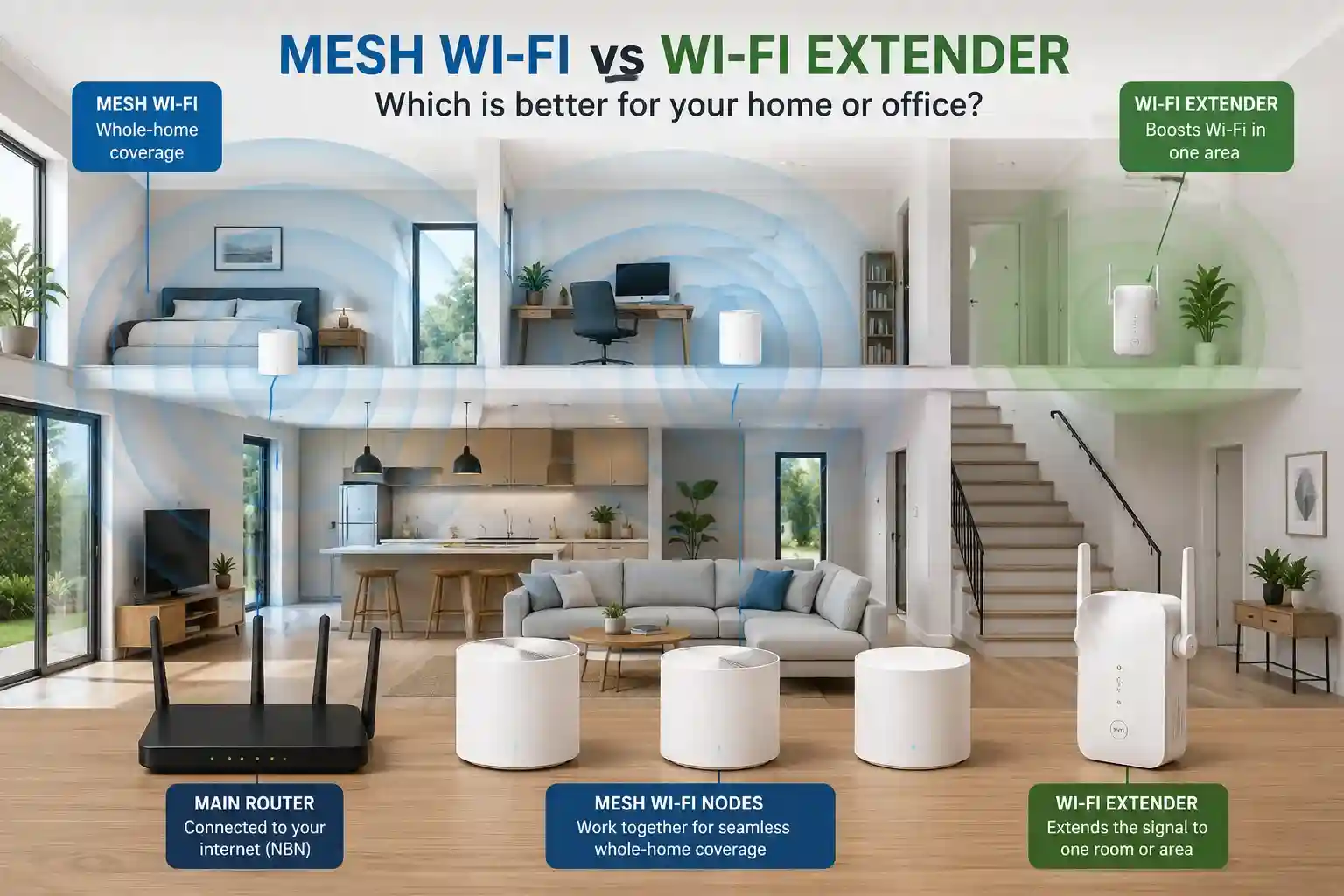
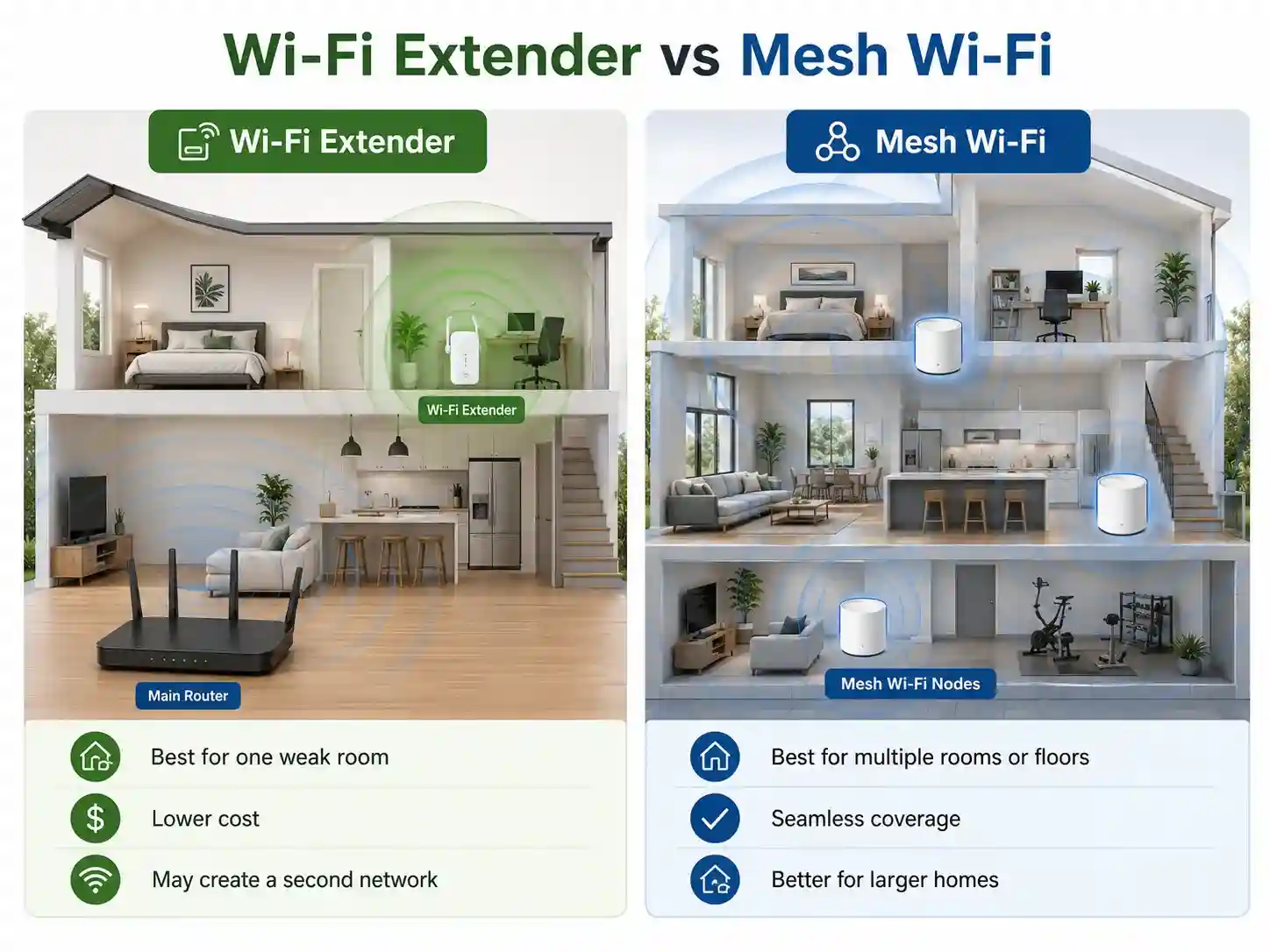
A Wi-Fi extender may be enough for one weak room, while mesh Wi-Fi is usually better for multiple dead zones, large homes and offices.
Quick Answer: Mesh Wi-Fi or Wi-Fi Extender?
Choose a Wi-Fi extender when only one nearby room has weak Wi-Fi and you want a lower-cost fix.
Choose mesh Wi-Fi when several rooms, floors or work areas have poor coverage and you want one more consistent network.
Wi-Fi extender
Mesh Wi-Fi
Ethernet or wired access points
Mesh Wi-Fi vs Wi-Fi Extender Comparison
| Question | Wi-Fi extender | Mesh Wi-Fi |
|---|---|---|
| Best for | One weak room or small dead zone | Several rooms, floors or work areas |
| Property size | Small homes or nearby rooms | Medium to large homes and offices |
| Cost | Lower | Higher |
| Setup | Usually simpler | Requires better placement and configuration |
| Network name | May create another Wi-Fi network | Usually one network across the property |
| Moving around | Devices may stay connected to a weaker signal | Usually smoother between mesh nodes |
| Small business use | Limited | Usually more suitable |
Reconnected provides Wi-Fi setup and internet support across Melbourne’s South East, including router setup, mesh Wi-Fi, network cabling and troubleshooting.
What Wi-Fi Problem Are You Trying to Fix?
Wi-Fi is weak in one room
A Wi-Fi extender may be enough if the room is still close enough to receive a reasonable signal from the router.
Wi-Fi is weak upstairs or at the back
Mesh Wi-Fi is usually better because multiple nodes can spread coverage across different areas of the property.
Internet is fast near the router only
This usually points to a Wi-Fi coverage problem rather than a slow NBN plan.
Video calls keep freezing
Mesh Wi-Fi or Ethernet cabling may be more reliable than a basic extender, especially for a home office.
Staff devices or printers disconnect
A small business may need properly positioned access points, mesh Wi-Fi or a wired network rather than a consumer extender.
The extender did not fix the problem
It may be repeating a weak signal, positioned too far from the router or hiding a router, NBN or interference problem.
Reconnected can check your Wi-Fi coverage, router and network setup, then recommend the most practical option for your home or business.
Why Wi-Fi Extenders and Mesh Systems Still Fail
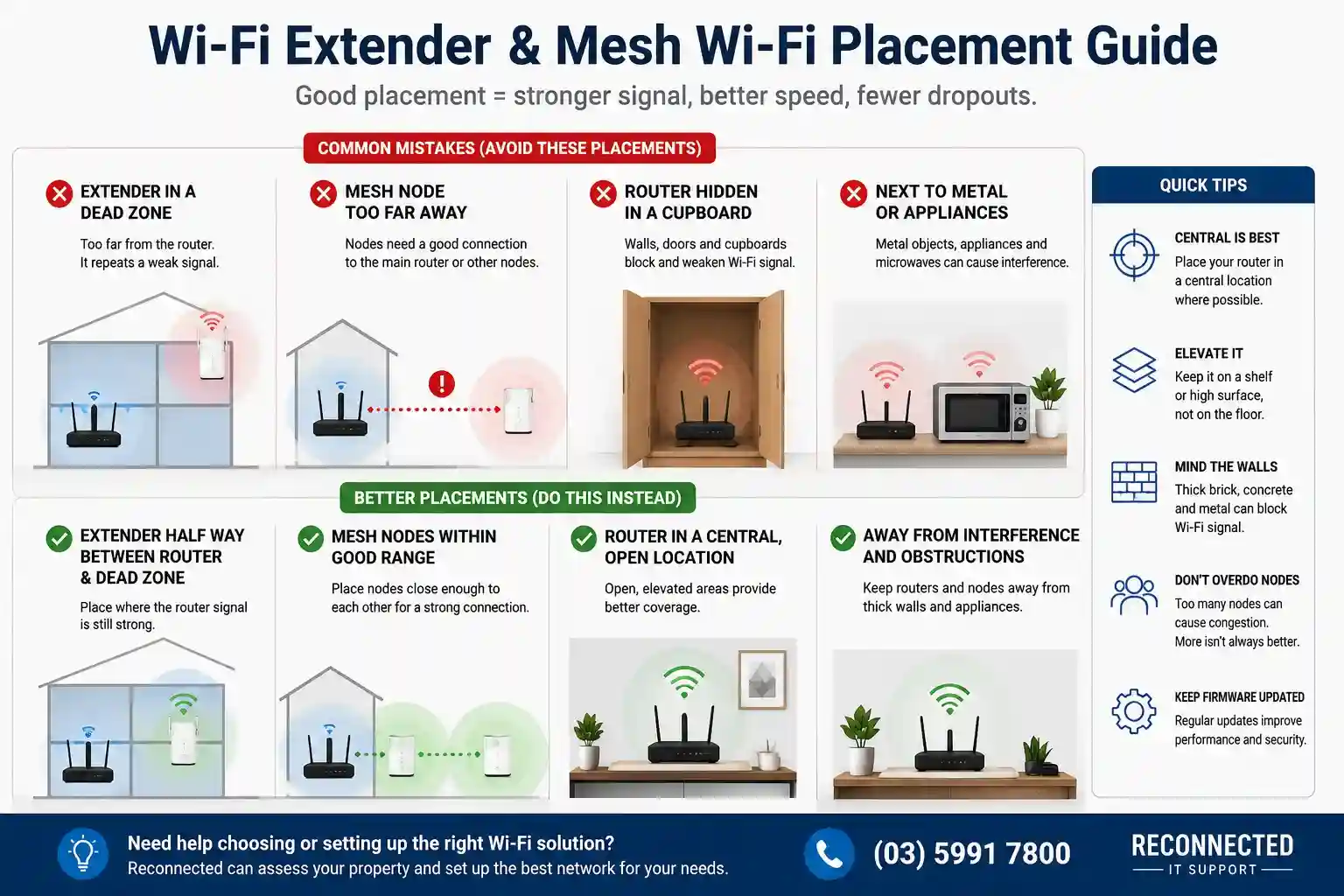
Common Wi-Fi extender mistakes
- Placed inside the dead zone
- Too far from the router
- Repeating an already weak signal
- Using an old or underpowered router
- Devices stay connected to the weaker network
Common mesh Wi-Fi mistakes
- Mesh nodes placed too far apart
- Too many mesh nodes
- Units hidden inside cupboards
- Old router Wi-Fi left active
- Wrong operating mode or poor configuration
Mesh nodes and extenders need a strong connection back to the main router. Putting them directly inside a Wi-Fi dead zone often makes the result worse.
Poor placement, router limitations or network setup may be causing the problem. Reconnected can diagnose the issue and configure the right solution.
Should You Replace the Router First?
Sometimes the router is the real problem. Consider replacing it when:
- It regularly needs restarting
- It is several years old
- Wi-Fi is weak even near the router
- It struggles with many connected devices
- It lacks modern security features
- It cannot handle your current internet speed
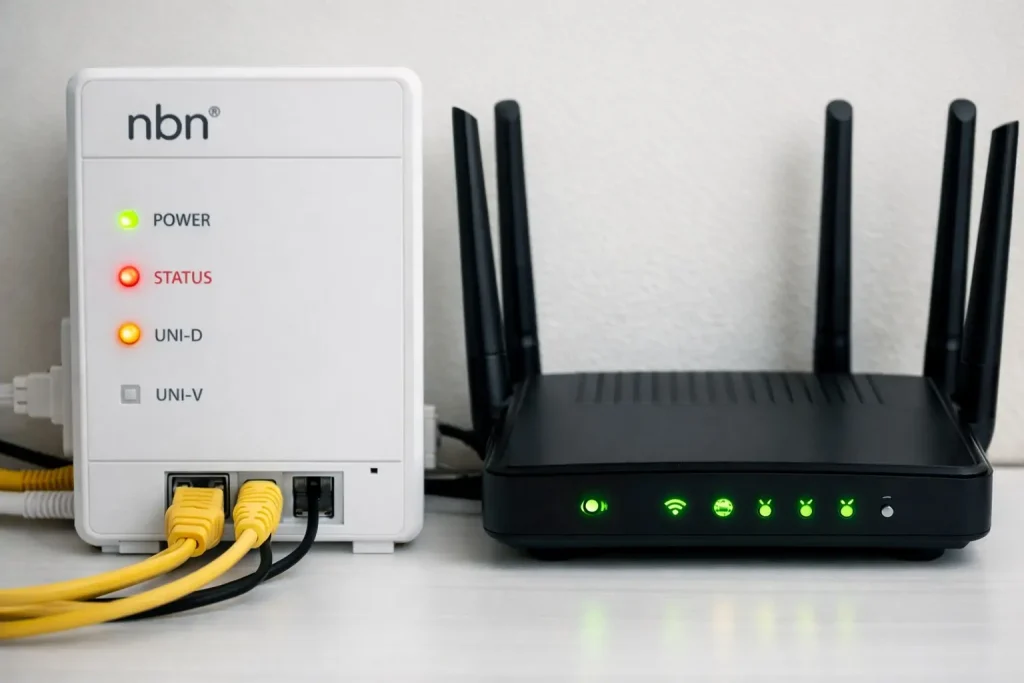
See our Best NBN Modem & Router in Melbourne guide before buying new hardware. If the connection itself is unreliable, read our internet dropouts guide.
How Reconnected Can Help
Reconnected provides Wi-Fi and network support for homes and small businesses across Cranbourne and Melbourne’s South East.
Wi-Fi coverage assessment
Find weak areas and identify whether the router, property layout, interference or placement is causing the problem.
Mesh Wi-Fi and router setup
Configure routers and mesh systems for better coverage, security and smoother device connections.
Network cabling
Install wired connections and access points where stronger and more stable performance is required.
Internet and business network troubleshooting
Diagnose dropouts and connectivity problems affecting computers, printers, EFTPOS, cloud systems and other devices.
Visit our Wi-Fi Setup & Internet Support page or contact Reconnected to discuss the problem.
Frequently Asked Questions
Is mesh Wi-Fi better than a Wi-Fi extender?
Mesh Wi-Fi is usually better for several rooms, large homes, double-storey properties and offices. A Wi-Fi extender may be enough for one nearby weak area.
Will a Wi-Fi extender slow down the internet?
It can. Wi-Fi extender performance depends on the strength of the signal it receives from the router. A weak incoming signal usually produces weak extended performance.
Does mesh Wi-Fi increase NBN speed?
No. Mesh Wi-Fi can improve coverage, reliability and local wireless performance, but it cannot increase the speed of your NBN plan.
Does mesh Wi-Fi replace the router?
Sometimes. Some mesh Wi-Fi systems act as the main router, while others connect to existing NBN or router equipment.
How many mesh nodes do I need?
It depends on the size, shape and construction of the property. More mesh nodes are not always better, and poor placement can reduce performance.
Get Reliable Wi-Fi Across Your Home or Business
Reconnected provides router setup, mesh Wi-Fi installation, Wi-Fi troubleshooting and network support across Cranbourne and Melbourne’s South East.