
Data Recovery Melbourne: What To Do When Your Hard Drive Fails (and How to Avoid Data Loss Next Time)

If you’re searching for data recovery Melbourne, chances are something has already gone wrong:
your laptop won’t boot, an external drive has vanished from File Explorer, or a crucial folder has suddenly disappeared. It’s stressful – especially if it’s business data, family photos or client records.

The good news is that in many cases, lost data can be recovered. But what you do next matters.
In this guide, we’ll walk through what to do (and what not to do) if you’ve lost data, how Reconnected helps with data recovery and backup across Melbourne and Victoria, and how to avoid being in this situation again.

We work with homes and small businesses across Cranbourne, Melbourne’s South Eastern Suburbs and wider Victoria – from one-off recoveries to full backup and recovery plans that protect you from future disasters.

Female IT technician in a clean Melbourne workspace connecting a laptop to an external hard drive for data recovery

First Rule of Data Recovery: Stop Using the Device

When files go missing or a drive starts playing up, the natural reaction is to keep trying things:
rebooting, installing “repair tools”, running updates, or copying files around. Unfortunately, that can
make things worse.

The most important thing you can do for successful data recovery is to stop writing new data to the drive.

That means:

  • Shutting the computer down if it’s clicking, freezing, or constantly restarting
  • Unplugging external hard drives or USB sticks that are disconnecting or not showing up
  • Not installing new software onto the problem drive
  • Not formatting the drive when Windows or macOS suggests it

Every new file saved, app installed or “repair” attempt risks overwriting the very data you’re trying
to get back – especially on SSDs and busy business systems.

Common Data Loss Situations in Melbourne & Victoria

Data loss is more common than most people realise. Here are the issues we most often see in our
IT support work across Melbourne and Victoria.

1. Failing Hard Drives (HDDs)

Symptoms:

  • Clicking or grinding noises from a desktop or laptop
  • Very slow boot times and random freezes
  • “No boot device found” or similar errors during startup
  • Drive sometimes appears, sometimes doesn’t

If you hear unusual noises from a spinning hard drive, turn it off as soon as possible and get advice.
This is often a sign of physical failure, and repeated power cycles can make recovery much harder.

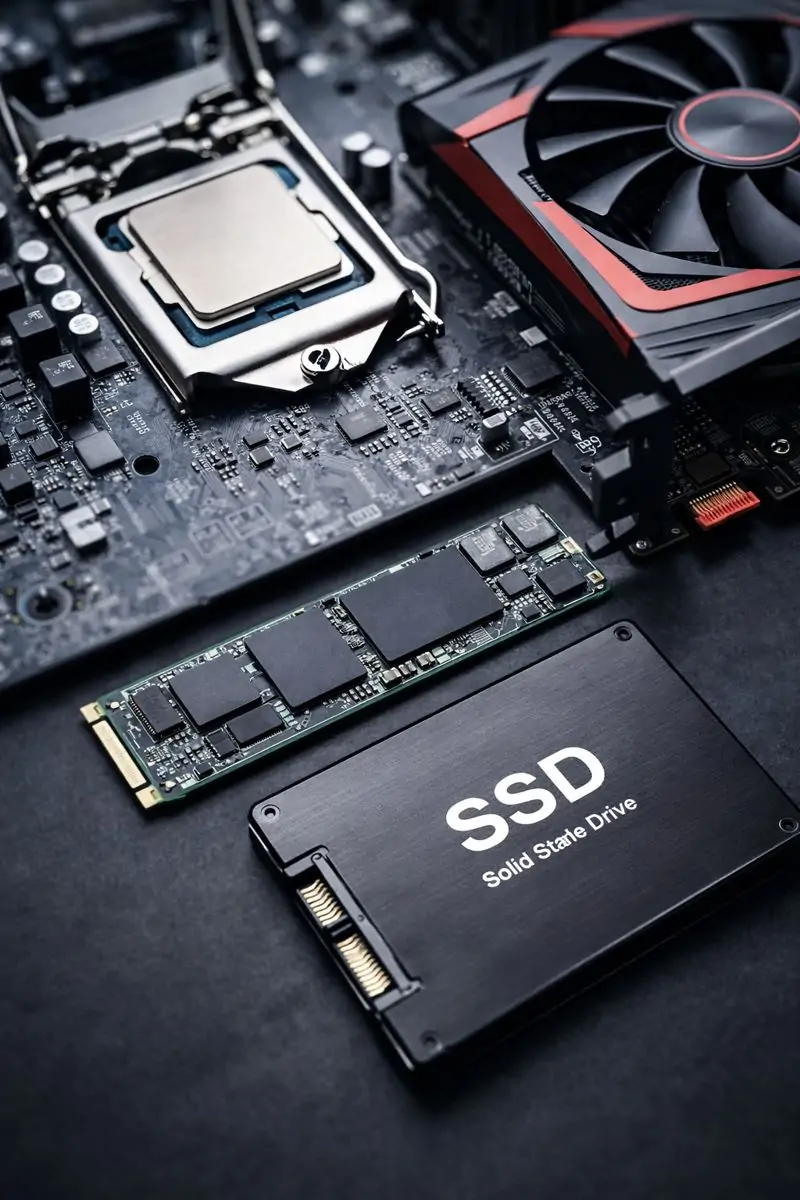
2. SSD Issues (Sudden Failure or Corruption)

Symptoms:

  • Laptop or PC suddenly won’t boot with no warning
  • Drive no longer detected in BIOS or Disk Management
  • Random file corruption or missing folders

SSDs often fail with fewer warning signs than old mechanical drives. Quick action and proper assessment give you the best chance of getting important data back.

3. External Hard Drive or USB Not Showing Up

Symptoms:

  • Drive powers on but doesn’t appear in File Explorer/Finder
  • Asks to be formatted before you can use it
  • Constant connect/disconnect noises

This can be caused by cable issues, file system corruption, or physical damage. If the data matters,
don’t keep unplugging and re-plugging endlessly – it’s better to get it checked properly.

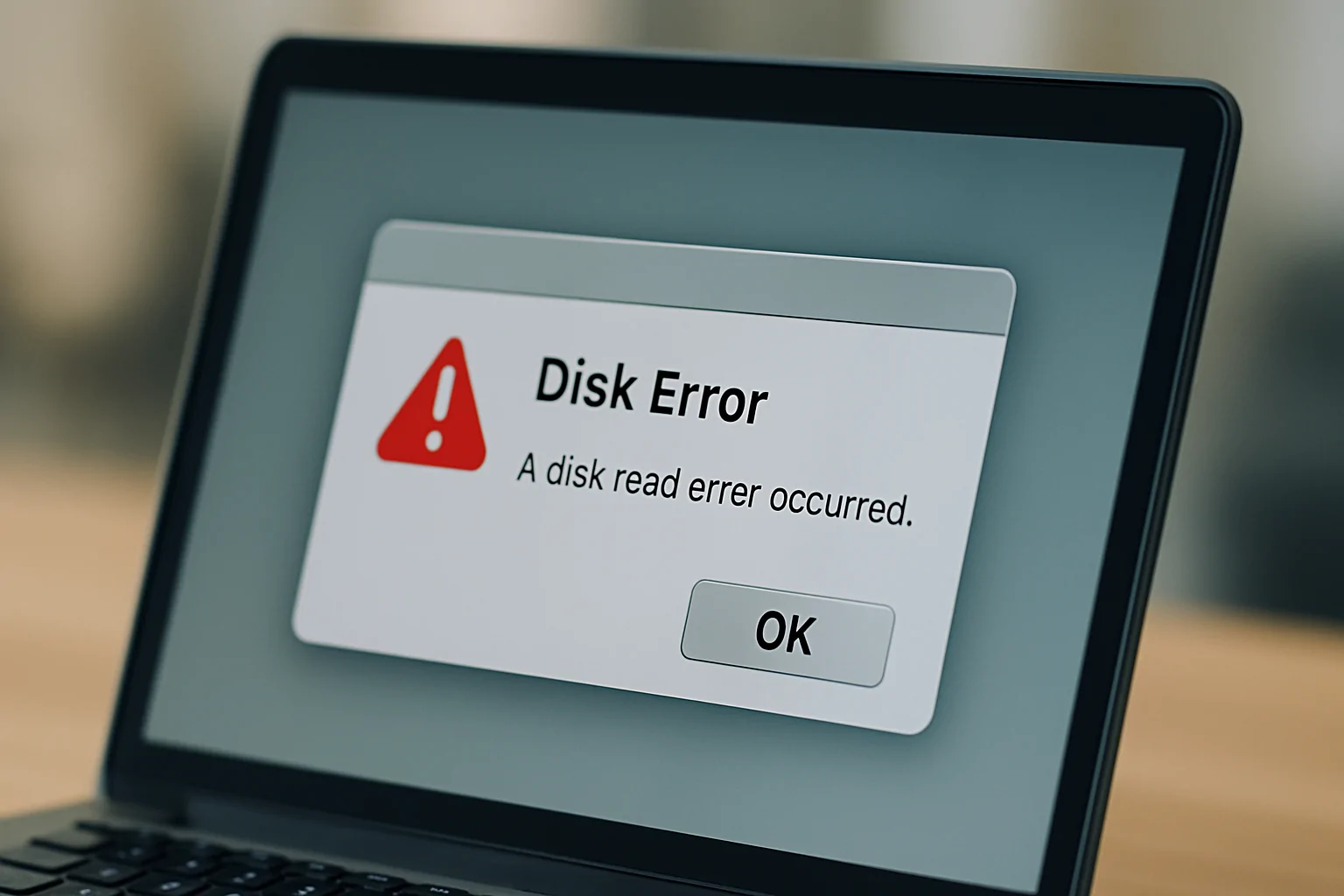
Close-up of a laptop screen displaying a disk error warning message indicating corrupted drive data

4. Accidental Deletion or Formatting

Situations like:

  • Emptying the Recycle Bin and then realising something important was in there
  • Deleting the wrong folder from an external drive
  • Formatting the wrong drive during setup or troubleshooting

In these cases, there’s often a good chance of recovery – if you stop using the drive immediately.
The more you keep saving new files, the more likely it is that deleted data will be overwritten for good.

5. Ransomware and Malware

Ransomware can encrypt files and demand payment to unlock them. Some malware also corrupts or deletes data. If you suspect this, isolate the device (and ideally the network) and get professional advice before doing anything else.

If you’re running a business and want to reduce your risk, it’s worth also reading our guide:

Cybersecurity Mistakes Melbourne Small Businesses Can’t Afford to Make
.

Can My Data Be Recovered?

Not every case is fixable – but many are. The chances of success usually come down to two things:
the type of failure, and what’s been done since the problem started.

Logical vs Physical Data Recovery

Logical recovery is where the drive is physically fine, but the data is inaccessible because of:

  • Deleted files
  • Corrupted file system
  • Damaged partitions
  • Operating system failures

These cases often have a higher success rate, particularly if the drive hasn’t been heavily used after
the issue began.

Physical recovery is where the storage device is damaged, such as:

  • Clicking or grinding hard drives
  • Water or liquid damage
  • Severe impact or drop
  • Electronics or power surge damage

These cases can still sometimes be recoverable, but they’re more delicate and should be handled carefully to avoid making things worse.

Why Backup Matters More Than One-Off Data Recovery

Data recovery is the emergency room. A proper backup system is the insurance policy that stops a bad day turning into a disaster.

For Melbourne homes and small businesses, a good backup strategy protects you from:

  • Accidental deletion or overwriting files
  • Hard drive and SSD failures
  • Theft, fire or flood
  • Ransomware and other cyber attacks
  • Lost laptops and external drives

The Australian Cyber Security Centre specifically recommends setting up and performing regular backups as one of the core ways to protect your data and recover from incidents. You can read more about their recommendations here:

ACSC – Set Up and Perform Regular Backups
.

Illustration of a business server with laptops and computers backing up to the cloud, showing data backup and recovery

A Simple Backup Approach That Works

For most of our customers, the best approach is a hybrid of:

  • Local backups – fast to restore from (external hard drives, NAS devices)
  • Cloud backups – safe from theft, fire, and local hardware failures
  • Automated schedules – so backups actually happen without you needing to remember
  • Regular testing – a backup you haven’t tested is just a theory

Reconnected can design and maintain this for you, whether you’re a home office, a tradie business or a multi-staff small business with servers, Microsoft 365, and cloud apps.

How Reconnected Helps with Data Recovery Across Melbourne & Victoria

Based in Cranbourne, Reconnected supports homes and small businesses across
Melbourne’s South East and wider Victoria with both urgent data recovery and ongoing
IT support.

We can help with:

  • Data recovery from failing or corrupted hard drives and SSDs
  • File recovery from external hard drives and USB devices
  • Recovery advice for ransomware and malware incidents
  • Safe data handling during computer repairs and upgrades
  • Designing and implementing backup & recovery plans that actually work

If the root cause is a failing PC, network issue or poor Wi-Fi setup, we can also help with
computer repairs and networking & internet setup in the same visit.

What To Do If You’ve Lost Data Right Now

If you’re reading this in the middle of a data loss crisis, here’s a safe, sensible plan to follow.

  1. Stop using the device
    Power it down if it’s unstable, making noises or throwing up disk errors. Unplug external drives that are behaving strangely.
  2. Write down what happened
    Note any error messages, unusual sounds, and what changed just before the problem (updates, spills, drops, power outages, etc.). This helps your technician diagnose quickly.
  3. Don’t try every “fix” you find online
    Some tools and guides are fine for minor issues, but others can destroy your chances of recovery – especially with physical failures or ransomware.
  4. Think about what’s at stake
    If it’s business-critical data, legal or financial records, or irreplaceable photos, treat it as urgent and avoid risky DIY experiments.
  5. Contact a trusted local technician
    If you’re in Melbourne or Victoria, Reconnected can help with safe assessment, recovery options and backup planning. You can reach the team on
    (03) 5991 7800 or via the contact page to book a workshop job or onsite visit.

FAQs – Data Recovery Melbourne

How much does data recovery cost?

It depends on the type of device (HDD, SSD, external drive, USB), the kind of failure (logical vs physical) and how much data you need back. The quickest way to get a realistic idea is a short assessment and chat – from there we can outline likely options and costs before you commit.

Can you recover data from SSDs?

Sometimes, yes. SSDs behave differently to spinning hard drives, and recovery depends heavily on what has failed and what’s been done afterwards. The earlier you stop using the device and get it assessed, the better your chances.

Can you help with business servers and shared drives?

Yes. We work with small businesses across Melbourne’s South East and Victoria to recover data from servers, NAS devices and shared storage, and then put proper backup and recovery plans in place so the same issue doesn’t repeat.

Do you offer onsite help, or is it all workshop-based?

Both. Some jobs are best handled in our workshop; others are better done onsite – especially for businesses where there may be networking, Wi-Fi or server issues involved. Remote support is also available for many software-based problems.

Can you also help prevent this happening again?

Absolutely. In fact, that’s a big part of what we do. We can help you design and maintain a
backup & recovery strategy, review your cybersecurity, and provide ongoing managed IT services if you’d like a more proactive approach.

Want to Go Deeper?

If you’d like to understand broader tech risks in your business, check out Reconnected’s guide:

7 Tech Problems Melbourne Businesses Can’t Ignore
.

Need data recovery in Melbourne?
Serving Melbourne, Cranbourne and Victoria — practical, safe data recovery and backup solutions for homes and small businesses.

Book Data Recovery & Backup Support in Melbourne

From urgent data recovery to long-term backup and protection, Reconnected helps homes and small
businesses across Melbourne and Victoria keep their data safe.

Lost data right now?
Call the Reconnected Team
Talk with our local technicians about what happened and what data you need back.
We’ll outline safe next steps and likely recovery options.
Call (03) 5991 7800

Prefer online?
Request a Data Recovery Assessment
Send a few details about your device, symptoms and what’s at stake, and we’ll respond with a
no-obligation assessment and recommended next steps.

Get Help Online

Want to prevent this next time?
Set Up Backup & Protection
Combine one-off data recovery with a proper backup & recovery plancybersecurity and
ongoing IT support so you’re protected moving forward.

View Data Backup & Recovery Services

Scroll to Top