

If your business is still running Windows 10 in 2026, you are now operating on an unsupported and vulnerable operating system. Without active patching and professional cybersecurity protection, unsupported systems significantly increase your risk of ransomware and data breaches.
“It’s still working — so what’s the problem?”
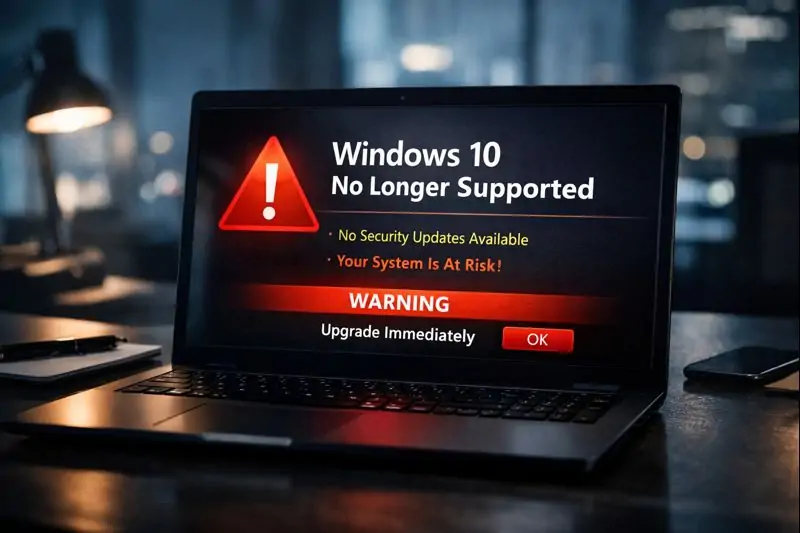
We’re now past the October 14, 2025 deadline. Windows 10 is officially End of Support, which means Microsoft no longer releases security updates for it. Any new vulnerabilities discovered since then remain unpatched — leaving Melbourne businesses exposed to ransomware, data breaches, and compliance failures.
At Reconnected IT Support, we’re already seeing Melbourne businesses flagged during audits and cyber insurance reviews because Windows 10 machines were overlooked.
We can quickly identify unsupported devices and provide a clear upgrade or replacement plan to get you secure again.
The Safety Net Is Gone
Once an operating system reaches End of Support, you lose the security safety net that protects your business day-to-day. That includes:
- Security updates and patches
- Fixes for newly discovered exploits
- Ongoing protection against modern malware and ransomware techniques
Cybercriminals actively target unsupported systems because the weaknesses are permanent and widely known. If Windows 10 is still present in your environment, it only takes one vulnerable PC to put your entire network at risk.
Modern ransomware doesn’t just encrypt one device — it spreads across shared drives, cloud sync folders, and backups that aren’t properly configured. Without layered protection and ongoing monitoring, a single compromised machine can shut down operations within minutes.
That’s why proactive cybersecurity services are critical for Melbourne businesses still running legacy systems. Proper endpoint protection, firewall configuration, and device auditing dramatically reduce exposure.
Just as importantly, businesses should ensure verified backup and disaster recovery systems are in place. If ransomware does strike, clean, isolated backups are often the only way to restore operations quickly without paying attackers.
You May Be Breaching Cyber Insurance or Compliance Requirements
In 2026, cyber insurance and compliance standards have become much stricter. Many policies now require businesses to run currently supported software and apply vendor security updates.
If you experience a cyber incident while running Windows 10, insurers can deny claims on the basis that the business failed to maintain supported systems. This can leave you exposed to recovery costs, legal obligations, downtime, and reputational damage.
If you’re unsure how exposed your business is, our cybersecurity services can help identify and prioritise high-risk devices.

Windows 10 Is Now a Productivity Problem Too
This isn’t only a security issue. Software vendors are now optimising for Windows 11, and Melbourne workplaces staying on Windows 10 often see:
- Slower Microsoft 365 and Teams performance
- Compatibility issues with business and industry software
- More crashes and instability on older machines
That translates into lost time, frustrated staff, and higher ongoing IT support costs — especially for businesses relying on cloud apps, remote access, and VoIP.
The Fix: Upgrade or Replace (Fast)
If your business missed the deadline, you can still fix the risk — but the right approach depends on your hardware.
Option 1: Upgrade (If Your PCs Support It)
Devices purchased after 2019 may support Windows 11. In many business environments, a clean installation is the safest approach, with careful data migration to prevent file loss and reduce downtime.
Option 2: Refresh (Most Common)
Older PCs often lack the TPM 2.0 security chip required for Windows 11. In those cases, replacement is usually more secure and cost-effective than forcing an upgrade. We can source business-ready devices through our hardware & software sales service.
Professional Upgrades Reduce Risk and Downtime
Trying to “make do” with unsupported systems tends to cost more in the long run. A professional plan ensures:
- Safe data migration (with minimal disruption)
- Correct security configuration after upgrade
- A clear path for replacing non-compliant devices
If you need help planning the safest approach, our team can support you end-to-end via IT support & managed services.
For the official lifecycle reference, Microsoft’s Windows 10 end-of-support information is available on Microsoft Learn .
Still running Windows 10?
If your business hasn’t upgraded yet, now is the time to act. We can identify unsupported devices, recommend the right path, and get you secure quickly across Melbourne.