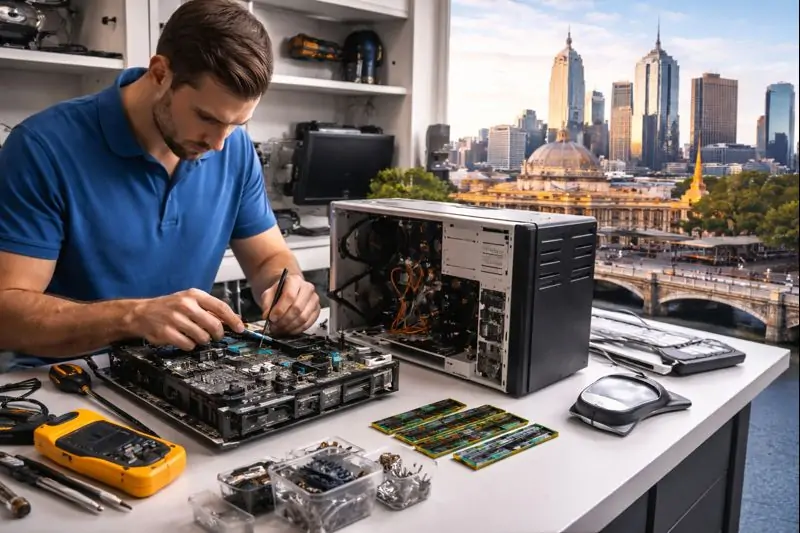

When a computer dies in the middle of a busy day, most people in Melbourne do the same thing: sigh, swear… and then wonder, “Is it worth fixing this, or should I just buy a new one?”
If you’re Googling things like computer repairs Melbourne, melbourne computer repairs or pc repairs melbourne, you’re exactly who this guide is for.
In this article, we’ll walk through how to decide whether to repair or replace your computer or laptop, using real-world examples from homes and small businesses across Melbourne's South Eastern Suburbs and the Mornington Peninsula. We’ll also show you how a local team like Reconnected can help you get the best value for your money – without blowing the budget on unnecessary upgrades or brand-new machines.
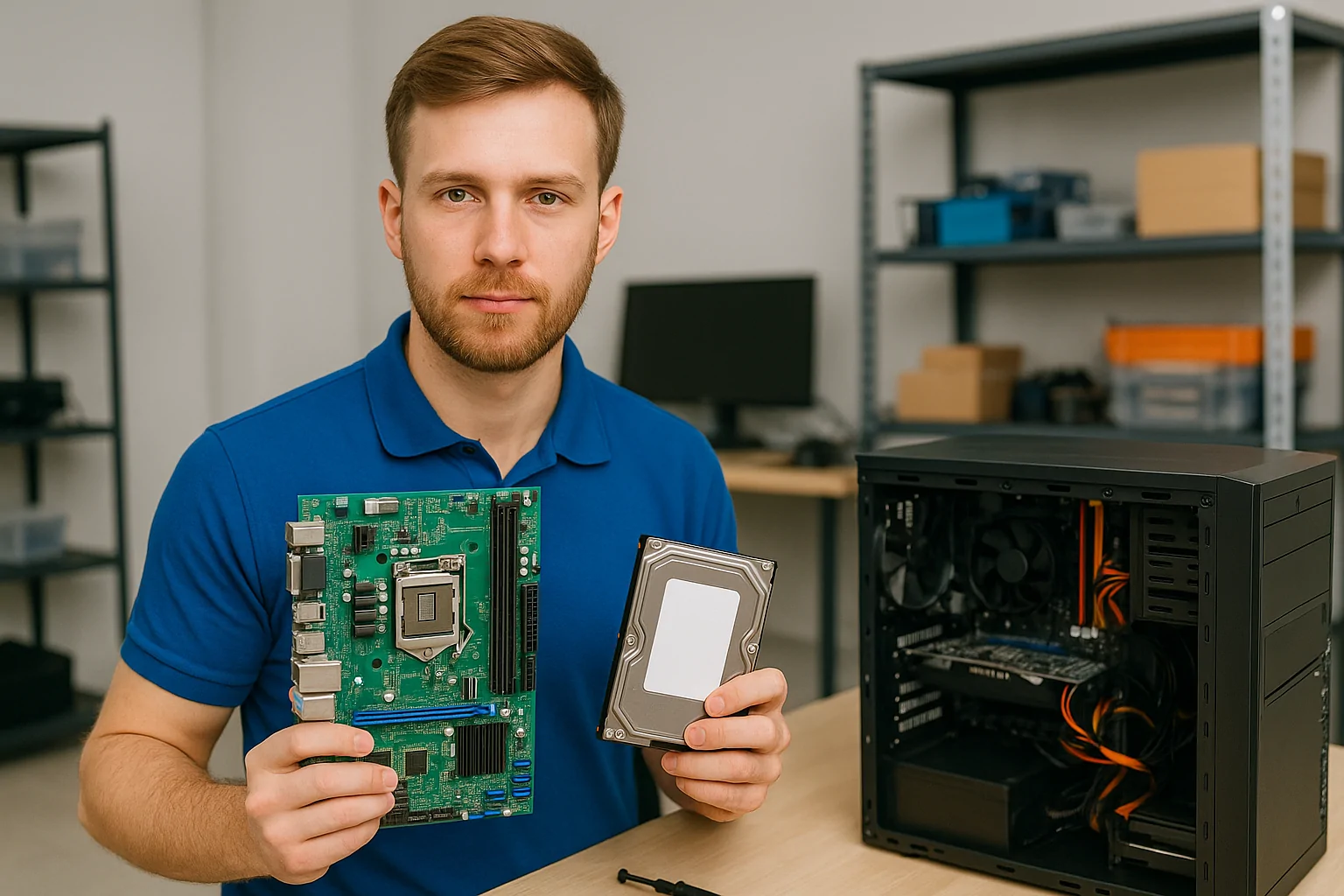
How Long Should a Computer or Laptop Last?
There’s no magic expiry date, but there are some good rules of thumb.
- Desktops (good quality, business-grade): 5–8 years
- Desktops (very cheap or no-name brands): sometimes 3–5 years
- Laptops: 4–6 years if looked after, less if constantly on the move
- Gaming / high-performance systems: may “feel old” sooner as software demands increase
Your environment and how you use the device matters:
- Lots of dust, heat, or pet hair
- Being carried in bags and cars daily
- Heavy use of design, video, or multi-tab browsing all day
- Never being shut down or updated
All of that can shorten the useful life of the machine. For many of our customers across Cranbourne, Berwick, Dandenong, Narre Warren, Pakenham and Frankston, a well-built PC or laptop that gets the occasional tune-up and hardware upgrade can easily last longer than they expect.
Common Computer Problems (and Whether They’re Worth Fixing)
Before you buy a new device, it’s worth understanding the most common issues we see in our computer repairs workshop and on-site visits.
1. Slow or Freezing Computer
Symptoms:
- Takes forever to start up
- Freezes when you open too many tabs
- Fans running hard while you’re doing “nothing”
Likely causes:
- Old mechanical hard drive instead of SSD
- Not enough RAM for modern apps
- Too many startup programs
- Malware or “junk” software
For many Melbourne home and office PCs, an SSD upgrade and extra RAM is one of the best-value fixes you can do. It can make a 3–6-year-old machine feel almost new again – and is far cheaper than replacing the whole computer.
This is one of the most common jobs Reconnected does for small businesses across Melbourne's South Eastern Suburbs – it’s often the difference between staff complaining about “slow computers” and everything just working.
2. Cracked or Flickering Laptop Screen
Symptoms:
- Visible cracks, lines or dark patches
- Flickering or random black screen
- Colours washed out or distorted
Repair vs replace?
If the laptop is only a few years old and otherwise runs well, a screen replacement is usually worthwhile. If it’s already very slow, old, or has other issues, your money may be better put towards a replacement. A quick assessment from a local technician can confirm the actual fault and give you a clear price before you decide.
3. Battery Not Holding Charge
Symptoms:
- Laptop dies as soon as you unplug it
- Battery level jumps around strangely
- You’re stuck working permanently at the power point
Repair vs replace?
Many laptops allow battery replacement, which is usually a cost-effective repair. Some very thin or cheaper devices have batteries glued in or are tricky to source parts for – at that point, we compare the cost against a new unit. If you’re otherwise happy with the device, a new battery can buy you another few years of comfortable use.
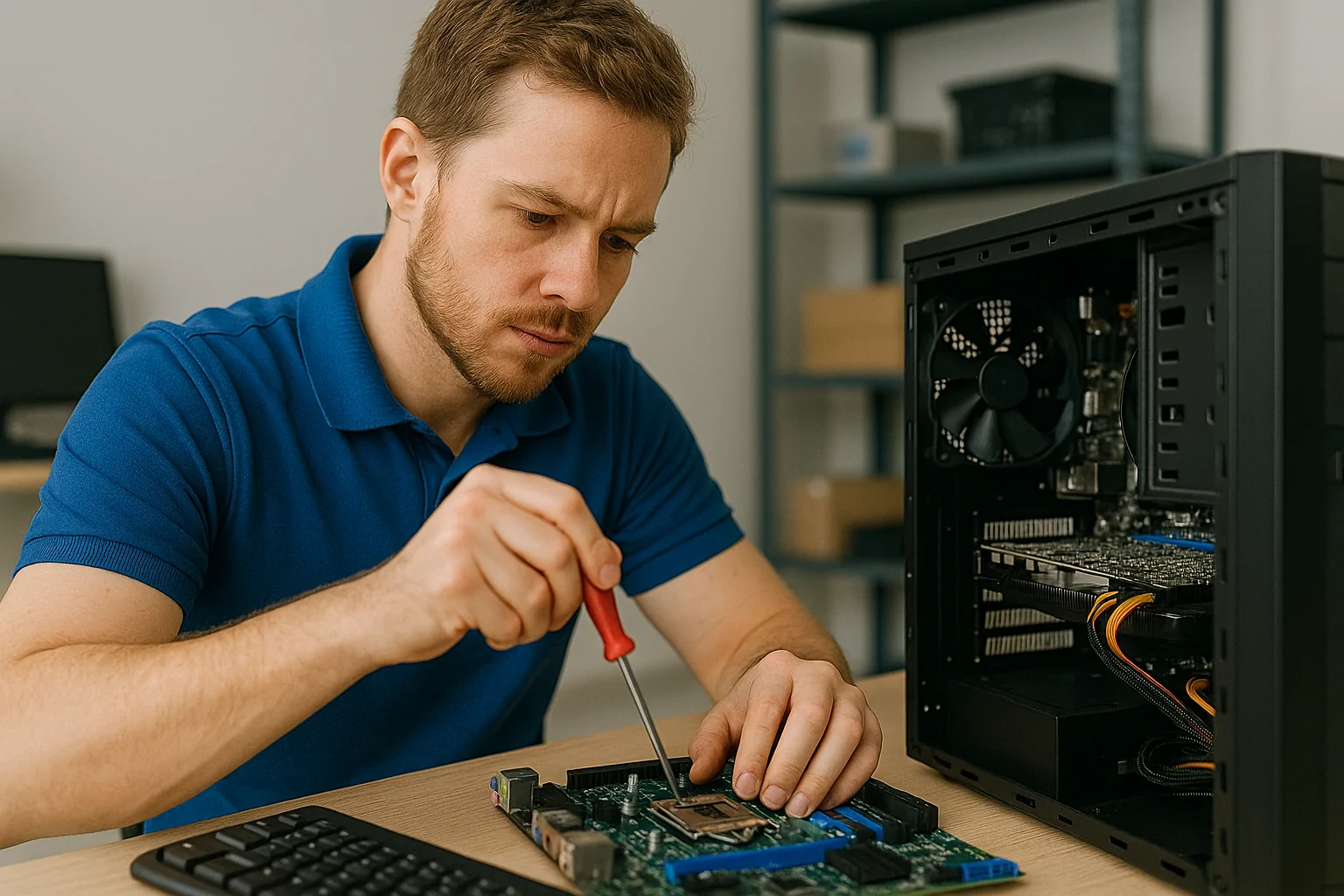
4. Random Crashes or Blue Screens
Symptoms:
- Blue screen (BSOD) with error messages
- Random restarts
- Lockups under load
Possible causes:
- Failing RAM
- Overheating
- Failing SSD or hard drive
- Driver or software issues
These issues often need proper diagnostics – guessing and replacing parts at random can get expensive. If the machine is under 5–6 years old, a proper diagnosis from a technician will usually identify a fix that’s still worthwhile. On older systems with multiple problems, it may tip you towards replacement instead.
5. Won’t Turn On At All
Symptoms:
- No lights, no fans, nothing
- Or fans spin but no picture
- Strange burning smell or visible damage
Potential issues:
- Failed power supply (desktop)
- Motherboard fault
- Liquid damage
- Internal short or failed component
Repair vs replace?
A simple power supply replacement in a desktop is usually good value. If the motherboard is gone in an older machine, the cost can quickly approach replacement price. With liquid damage, it depends on how fast you turned it off and how badly it’s affected – early intervention helps.
If you have important data on the machine, it’s critical to talk about data recovery first before trying too many DIY fixes. Reconnected can help with both data backup & recovery and hardware diagnosis so you don’t risk making things worse.
When Repairing Your Computer Is the Smart Choice
Here are some clear situations where repairing is usually the better option:
- Your computer or laptop is under 4–5 years old
- The issue is limited and obvious (screen, battery, power supply, SSD, RAM)
- You originally bought a decent-quality machine (business-grade, known brand)
- Performance issues can be fixed with an SSD + RAM upgrade
- You rely on specific software and re-installing everything would be a hassle
In these cases, a well-chosen repair can give you a faster, more reliable machine, produce less e-waste, and cost much less than a brand-new computer.
At Reconnected, our technicians in Cranbourne will always talk you through repair options vs replacement. If we genuinely don’t think it’s worth fixing, we’ll say so – and help you plan a sensible replacement instead.
When It’s Better to Replace Instead
Sometimes, it really is time to say goodbye.
You’ll usually lean towards replacement if:
- The computer is 6–8+ years old
- It has multiple major problems (e.g. failing drive and broken screen and dodgy battery)
- Spare parts are hard to source or expensive
- Even when “working”, it struggles with basic tasks or modern software
A good rule of thumb: If the repair will cost more than 50–70% of a suitable replacement, it’s worth seriously considering a new machine.
When you do replace, don’t just throw the old one in the bin. In Victoria, e-waste (including old computers) is banned from landfill and needs to go to proper recycling. You can find drop-off sites and guidance on the Sustainability Victoria e-waste page .
Reconnected can also help you wipe data securely and advise on responsible recycling options when we’re helping you move to a new system.
How Much Do Computer Repairs Cost in Melbourne?
Every job is different, but here’s a rough guide to how melbourne computer repairs are usually priced:
- Software tune-up / malware removal: Often one of the most affordable jobs. Ideal when the machine is just slow or misbehaving.
- SSD upgrade + data transfer: Great value for older machines stuck on mechanical drives. This can dramatically speed up boot times and everyday use.
- RAM upgrade: Often done together with an SSD upgrade for best results on office PCs and laptops.
- Laptop screen or battery replacement: Price varies by brand and model. Your technician will typically confirm part cost plus labour before you commit.
- Onsite troubleshooting for businesses: Usually charged by the hour, depending on travel and complexity. This is common for offices in Melbourne's South Eastern Suburbs and the Mornington Peninsula that can’t afford extended downtime.
Reconnected focuses on clear, upfront advice – we’ll let you know what’s wrong (in plain English), what your options are, and how the cost of repair compares to a replacement. That way you’re not guessing whether you’re throwing good money after bad.
Why Use a Local Computer Repair Technician?
Yes, you can ship devices away to big-city centres or call a remote-only IT service. But for many homes and small businesses, a local technician in Cranbourne and Melbourne's South East just makes more sense.
Benefits of Going Local with Reconnected
-
Faster help
Whether it’s remote access or onsite support, a local team can respond quickly when things go badly wrong. -
Onsite visits when remote support isn’t enough
Some issues – like Wi-Fi coverage, cabling faults, or dodgy power – need someone physically there. Reconnected provides IT support as well as networking & internet setup across the region. -
Knowledge of local NBN quirks
Estates, business parks and older buildings around Cranbourne, Berwick, Dandenong, Narre Warren, Frankston and the Mornington Peninsula all have their own “gotchas” when it comes to NBN and Wi-Fi. -
Supporting a local, community-focused business
Reconnected has been helping homes and small businesses locally since 2007, with a focus on friendly, honest advice – not pushy sales.
What To Do When Your Computer Fails
When your PC or laptop suddenly stops working, here’s what we recommend:
-
Don’t keep power-cycling it
Repeatedly forcing it on and off can make things worse – especially if the drive is failing. -
Listen for unusual noises
Clicking or grinding from a hard drive is a red flag. Turn it off and get professional advice before you lose data. -
Note the symptoms
Write down error messages, beeps, or what you were doing when it failed – this helps your technician diagnose quickly. -
Think about your backups
If you’re not sure you’re backed up, be extra cautious. Reconnected can help check your backup situation and design a proper backup & recovery plan. -
Call a trusted local technician
If you’re in Melbourne's South Eastern Suburbs or the Mornington Peninsula, Reconnected can help with repairs, upgrades, and honest “repair vs replace” advice. You can reach the team on (03) 5991 7800 or via the contact page to book a workshop job or onsite visit.
FAQs – Computer Repairs Melbourne
Is it worth repairing a 5-year-old computer?
Often, yes – especially if it was a decent machine to begin with. An SSD + RAM upgrade plus a tune-up can make a 4–5-year-old PC feel dramatically faster. If the system is very low-end or has multiple serious hardware issues, it may be time to replace instead.
How long do computer repairs usually take?
It depends on parts and complexity. Many software repairs and tune-ups can be done same day or within 1–2 business days. Hardware repairs that need specific parts may take a little longer, depending on availability. Your technician will usually give you an estimated timeframe once they’ve diagnosed the problem.
Do you offer onsite computer repairs for businesses?
Yes. Reconnected provides onsite IT support and pc repairs melbourne wide for small businesses across Melbourne's South Eastern Suburbs, including Cranbourne, Berwick, Dandenong, Narre Warren, Frankston and surrounding suburbs. Remote support is also available for many issues.
Can you help me choose a new computer if mine isn’t worth repairing?
Absolutely. As well as repairs, Reconnected also offers IT hardware & software sales and can help you choose the right desktop or laptop for your needs – including setup, data transfer and ongoing support.
What if I’m still not sure whether to fix or replace?
That’s exactly what we’re here for. A short chat and a quick assessment is usually enough for us to give you a clear recommendation and price comparison so you can make a confident decision.
Want to Go Deeper?
If you’d like to learn more about warning signs to watch for in your business, check out Reconnected’s guide: 7 Tech Problems Melbourne Businesses Can’t Ignore .
Serving Melbourne's South Eastern Suburbs & the Mornington Peninsula — fast, friendly computer repairs and IT support for homes and small businesses.
Book Computer Repairs in Melbourne
Practical, honest computer and laptop repairs for homes and small businesses across Melbourne's South Eastern Suburbs & the Mornington Peninsula.